
End of Gemini CLI - Welcome to Antigravity 2.0 - Evolution Unveiled
Discover the transition from Google's Gemini CLI to Antigravity 2.0, a powerful toolset for developers introduced by Telusko.
By Telusko · 17:22
In "End of Gemini CLI - Welcome to Antigravity 2.0," Telusko dives into a monumental shift for developers following Google's decision to retire Gemini CLI. This isn't just an update; it's a reimagining of how coding environments function. Google introduces us to Antigravity 2.0, a strong suite that promises to enhance the developer experience significantly.
What strikes me about this video is the clarity with which the host, a familiar voice on Telusko, explains the transition. The central hook? The shift from Gemini CLI to Antigravity isn't merely cosmetic-it's transformative.
The New Age of Coding with Antigravity
Google's rebranding to Antigravity 2.0 marks a seismic change. Antigravity CLI and IDE are the stars here, each offering unique functionalities tailored to different development needs. Ever tried juggling multiple tools for different tasks? Here’s where Antigravity excels by integrating features into one cohesive package.
Why Antigravity?
The toolset includes a fast version of Gemini 3.5, designed for speed without sacrificing performance. And honestly, who doesn't love speed, especially when it doesn't skimp on power? This means real-time applications can run smoother and coding tasks are more efficient.
But what's the real deal? For me, it's the choice. Developers can opt for the CLI for a command-line approach, or the IDE for more visual project management. This flexibility ensures that whether you're a seasoned coder or just starting, there's something here for your workflow.
Real-World Application: Building with Antigravity
A standout moment in the video is the demonstration of building a quiz application. It's one thing to read about new features but seeing them in action? A whole other ball game. The practical showcase highlights the capabilities of Antigravity’s sub-agents and command functions, making it clear that this isn't just theory-it's practical, and it's powerful.
What's Next in the Antigravity Journey?
The host teases future updates and features, and honestly, I'm intrigued. This isn't the end of the story but rather the beginning. Antigravity 2.0 is set to evolve and continue to change how developers approach their projects.
If you're keen to explore more on how AI is reshaping our tools, check out ChatYT.
Related Content
- Claude não gera mais código como antes - A Surprising Insight
- Hermes just got 10x better... - Discover Revolutionary AI Updates
- What Karpathy Joining Anthropic Actually Means For Claude - A New Direction
- I Cancelled TradingView Plus After This 1 Claude Code Prompt | Multi Chart & Advanced Indicators - A Game-Changer?
Frequently Asked Questions
What is Antigravity 2.0?
How does Antigravity 2.0 differ from Gemini CLI?
What are the key features of Antigravity 2.0?
Can beginners use Antigravity 2.0?
Is there a transition guide from Gemini to Antigravity?
Are future updates expected for Antigravity 2.0?
Why did Google rebrand from Gemini to Antigravity?
Where can I learn more about Antigravity 2.0?
Chat with this Video
Ask AI anything about this video. Get instant answers, summaries, and insights.
Related Videos
 13:17
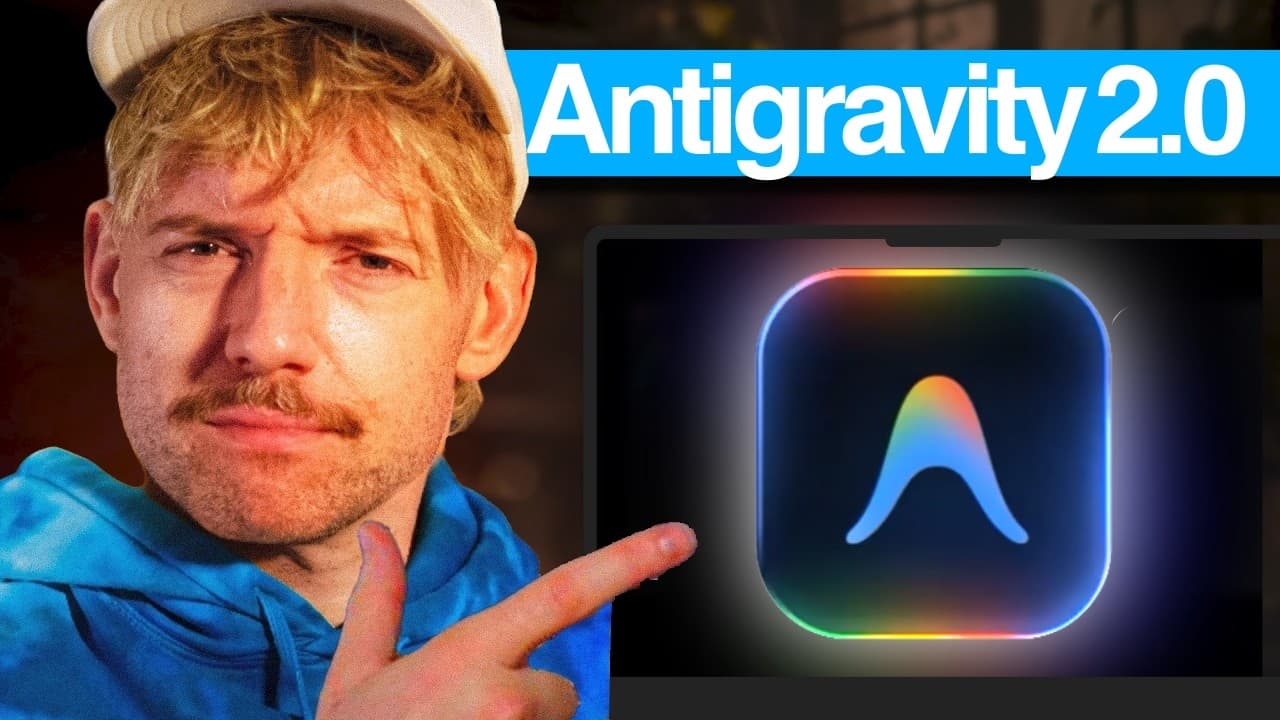
13:17Google’s AntiGravity 2.0 Just Dropped, and… - A Critical Look
 17:18
17:18Claude não gera mais código como antes - A Surprising Insight
 13:44
13:44Hermes just got 10x better... - Discover Revolutionary AI Updates
 16:24
16:24What Karpathy Joining Anthropic Actually Means For Claude - A New Direction
 16:11
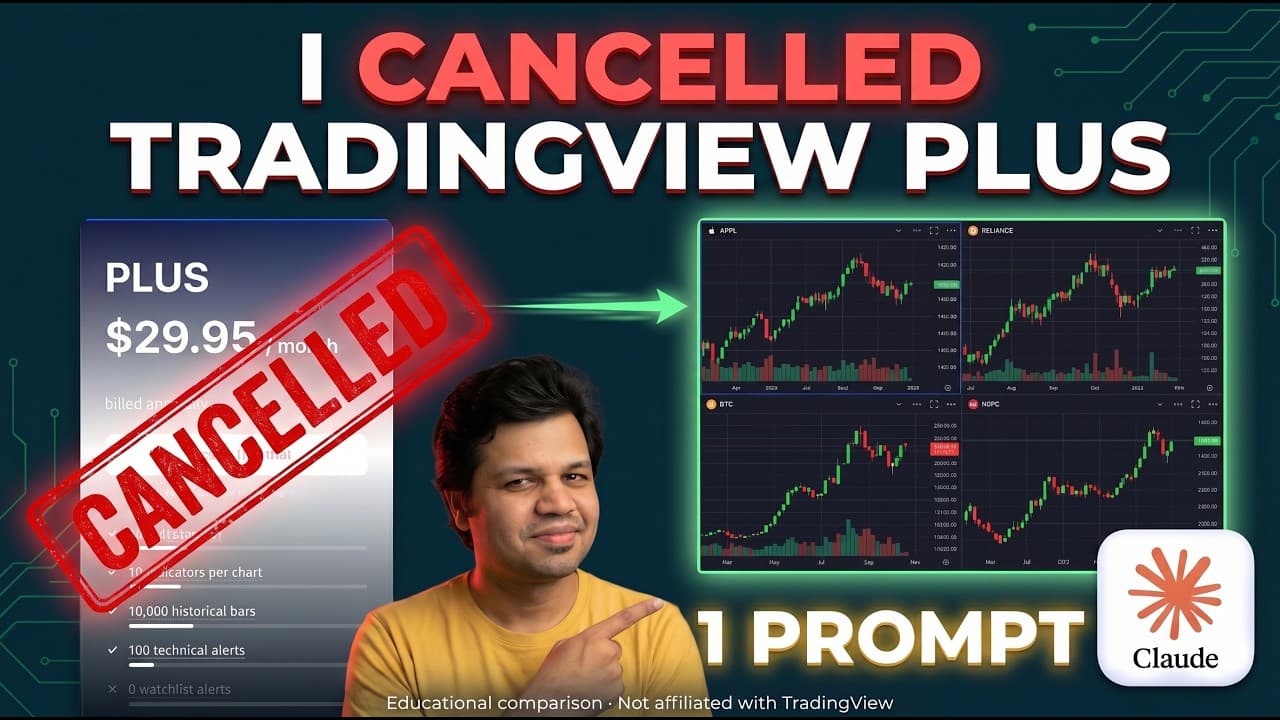
16:11I Cancelled TradingView Plus After This 1 Claude Code Prompt | Multi Chart & Advanced Indicators - I Cancelled TradingView Plus After This 1 Claude Code Prompt - A Game-Changer?
 9:15
9:15