
Claude Code Just Dropped /Goal. (Master it in 8 Minutes). - Unveiling the Magic
Explore Claude Code's /goal command with Tristen O'Brien. Automate tasks efficiently with this powerful tool. Start small, scale big!
By Tristen O'Brien · 8:24
Tristen O'Brien's new video, "Claude Code Just Dropped /Goal. (Master it in 8 Minutes).", dives into Claude Code's latest innovation: the /goal command. This tool has caught everyone's attention. But why? Let me break it down for you.
Claude Code introduces a massive leap forward with its ability to automate complex tasks easyly. The star of the show? The /goal command. Imagine not having to constantly babysit your automated processes! This command enables you to define specific task endpoints, letting two AI agents - a worker and a supervisory 'boss' - handle everything until the job is done. No interruptions. No distractions.
Why /Goal is a Game-Changer
Say you need to organize data from a stack of PDF bank statements into spreadsheets. Before /goal, you'd need to check the process frequently. Now? You simply set the goal, and the AI takes over. It's like having a personal assistant working tirelessly without needing constant supervision.
I find this particularly exciting because it opens up automation to a wider audience. You don't have to be an expert coder to use this tool. In fact, the practical examples in the video, like creating social media content for a pizza shop, show just how accessible this technology is. And here's the thing - the ability to use "auto approve" steps it up a notch, though it's crucial to use it wisely to avoid unnecessary costs.
How to Use /Goal Effectively
To harness the full power of /goal, setting precise, verifiable goals is essential. You don't want the system running endlessly, do you? That's where safety caps come into play. They ensure tasks stop after a set number of turns or a specific time, preventing resource drain.
In the video, Tristen advises starting small. It's sage advice. Get familiar with the command's nuances before diving into larger projects. I've found that taking the time to understand these intricacies really pays off.
For more insights on Claude Code and AI innovations, you can check out ChatYT for more learning tools and resources.
Related Content
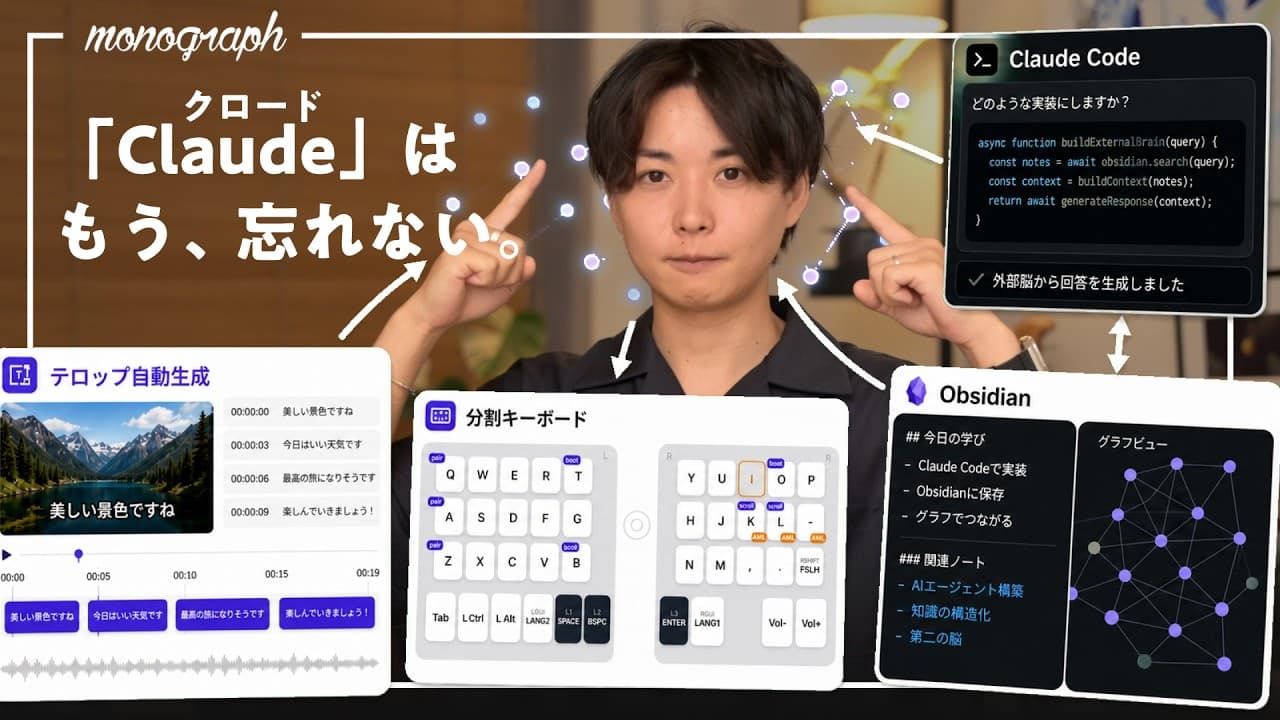
- 【革命】Claudeに「外部記憶」を持たせたら、もう普通のAIには戻れなくなった。 - Vibe Coding Insights
- Anthropic 엔지니어가 마크다운 버린 5가지 이유 - Karpathy "이건 AI 진화 법칙" - Anthropic 엔지니어가 마크다운 버린 5가지 이유 - New Era of AI
- 100%免费!Claude Code 跑本地模型,无需 API!免翻墙使用超强AI Agent|Ollama|CC Switch|零度解说 - Unlocking Local AI Potential
- I Switched From Claude to ChatGPT (the difference is insane) - The Real Difference
Final Thoughts
Claude Code's /goal command is a game-changer for those looking to streamline their workflow without constant oversight. Tristen O'Brien's video is a must-watch if you're aiming to master this tool and make your automation efforts more efficient. Remember, it's all about starting small and understanding the world before scaling.
For more tips and tutorials on automating your digital tasks, make sure to Try ChatYT.
Frequently Asked Questions
What is Claude Code's /goal command?
How does /goal improve task automation?
Can /goal be used for social media content creation?
What precautions should be taken with /goal?
Is Claude Code's /goal command accessible to non-coders?
What are 'auto approve' and safety caps?
Chat with this Video
Ask AI anything about this video. Get instant answers, summaries, and insights.
Related Videos
 9:15
9:15We are not ok... - Navigating AI's Impact on Software
 18:39
18:39Claude AI Just Did What 11 Years Of Experts Couldn't (+17 AI Updates) - Claude AI Just Did What Experts Couldn't - Unveiling Innovations
 8:03
8:03OpenAI founder admits AI isn’t working - Expert Confession
 4:14
4:14Wall Street Is Starting to Realize AI Coding Might Be a Mistake - Exploring the Risks
 17:24
17:24【革命】Claudeに「外部記憶」を持たせたら、もう普通のAIには戻れなくなった。 - Vibe Coding Insights
 6:33
6:33