
Claude Code has a new UI (pair it with Claude OS) - Summary, Key Takeaways & FAQ
Discover Claude Code's new UI for managing AI agents seamlessly.
Di Simon Scrapes · 5:35
Did you catch the latest from Simon Scrapes? His video, "Claude Code has a new UI (pair it with Claude OS)," dives deep into a noteworthy development for AI enthusiasts. This feature addresses a common headache: managing multiple AI agents. Now, users can breathe easier with a streamlined UI.
Managing AI agents used to be a juggling act, right? Remember those days, flipping between terminal windows? What a mess! Simon highlights how Claude Code’s new UI tackles this problem head-on.
What’s New in the UI?
Here’s the thing - the biggest change is the introduction of the agent view. No more cluttered desktops or hunting for the right terminal. Everything is now in one spot. If you haven't updated Claude Code to version 2.1.139 or higher, you're missing out. With this version, you can transfer existing sessions into a new, integrated dashboard. Honestly, it’s a game-changer for organizing tasks.
Enhanced Organization
In my experience, the ability to sort tasks by status or repository is a blessing. Whether you’re dealing with multiple projects or clients, this flexibility is crucial. Sure, sorting by subfolder isn't available yet. But let’s be real - the improvement in workflow is undeniable when you can see everything in one view.
Interaction with Sessions
Currently, interaction with the sessions remains terminal-based. A bit limited, I’d say. However, the potential for future desktop integration is exciting. Simon’s optimistic take on this is infectious. Who else is eager to see the next update?
Why This Matters
Honestly, managing AI agents has evolved. As Simon points out, agents are more autonomous now, executing tasks with minimal oversight. This shift necessitates strong tools for overseeing multiple agents simultaneously. And Claude Code’s UI is precisely that tool.
Future Implications
Looking ahead, the possibilities are endless. Direct desktop integration could revolutionize how we interact with AI agents. I've found that trying out these new features can reveal gaps and opportunities in your current workflow. Why not give it a shot?
Related Content
- The next era of AI coding - Summary, Key Takeaways & FAQ
- Claude Mythos Just Crossed A Dangerous Line... AGAIN! - Summary, Key Takeaways & FAQ
- Claude Code Just Got an Agent Dashboard - Summary, Key Takeaways & FAQ
- Claude Code Just Changed YouTube Editing Forever (Tutorial) - Key Insights & Creative Potential
Domande frequenti
What is Claude Code’s new feature?
How does the new dashboard improve workflow?
Do I need a specific version of Claude Code for this feature?
Can I interact with sessions directly from the new UI?
Will there be future updates to enhance this UI?
What categories can I sort tasks by?
Is sorting by subfolder available?
What channel discussed the new UI?
Chatta con questo video
Chiedi all'IA qualsiasi cosa su questo video. Ottieni risposte istantanee, riassunti e approfondimenti.
Video correlati
 10:49
10:49Claude Code Agent View IS INSANE! Huge New Update Introduces /goal, sessions, & More! - Summary, Key Takeaways & FAQ
 16:06
16:06AI Writes 60% of AirBnB Code - Coding Jobs are Dying - Summary, Key Takeaways & FAQ
 9:38
9:38The next era of AI coding - Summary, Key Takeaways & FAQ
 15:57
15:57Claude Mythos Just Crossed A Dangerous Line... AGAIN! - Summary, Key Takeaways & FAQ
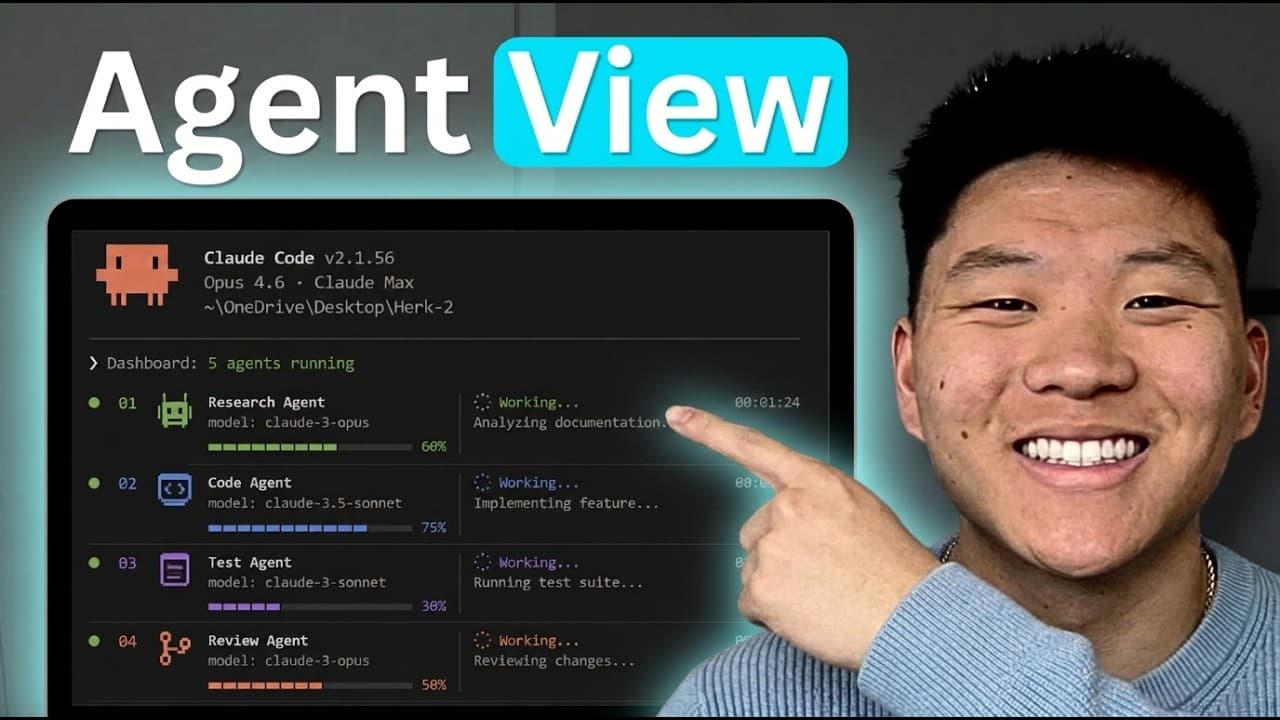 7:36
7:36Claude Code Just Got an Agent Dashboard - Summary, Key Takeaways & FAQ
 13:47
13:47